
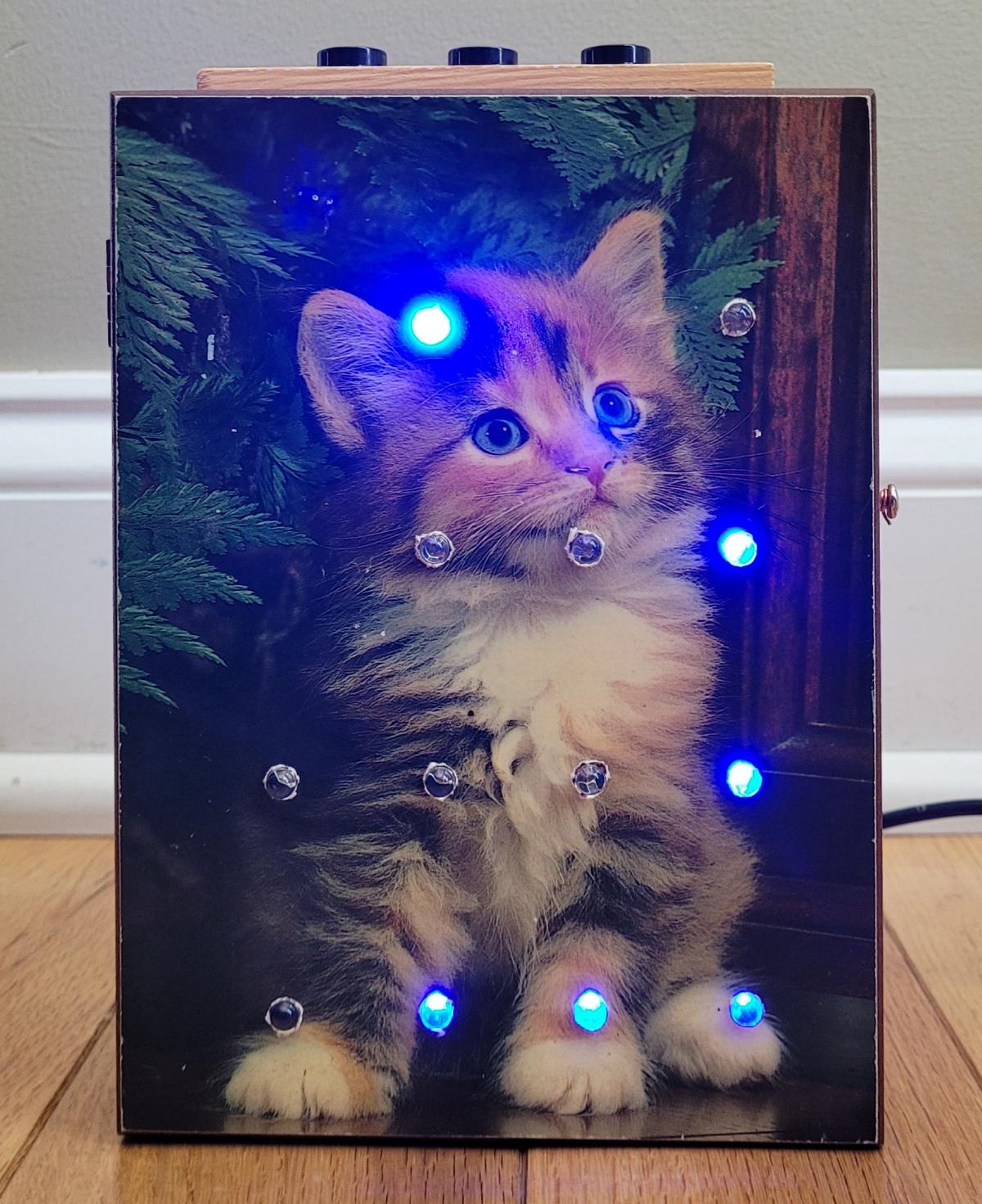
Binary clocks have always been fascinating to me. They display the time accurately, but you have to do a bit of mental math to determine the time. I had an Arduino and some LEDs laying around, as well as this box with a cute cat on the lid that I got at a thrift shop. So I rolled up my sleeves and got to work!
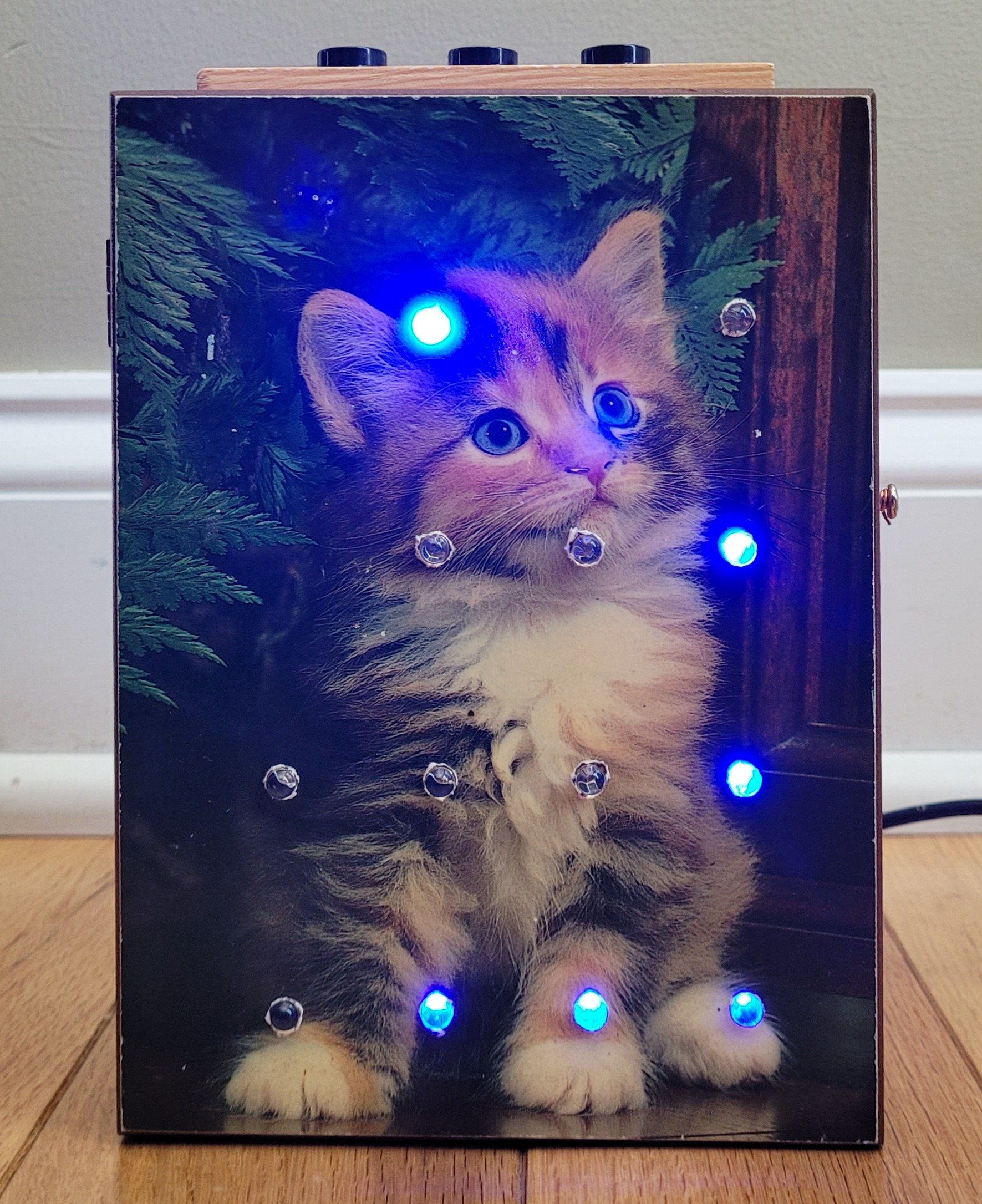
The finished product, showing 9:17 as the time
I’m guessing you want to know how to read the time on this clock. Here’s a brief overview:
A binary clock with four columns displays the time by representing each digit of the hour and minute in binary format. The two leftmost columns represent the hours, and the two rightmost columns represent the minutes. Each column typically has a series of lights, with each light corresponding to a specific power of two (e.g., 1, 2, 4, 8, from bottom to top). To read the clock you add the values of the lit lights in each column. You then combine these decoded digits to read the full time, just as you would with a standard digital clock.
Here’s an image that shows the values for each light:
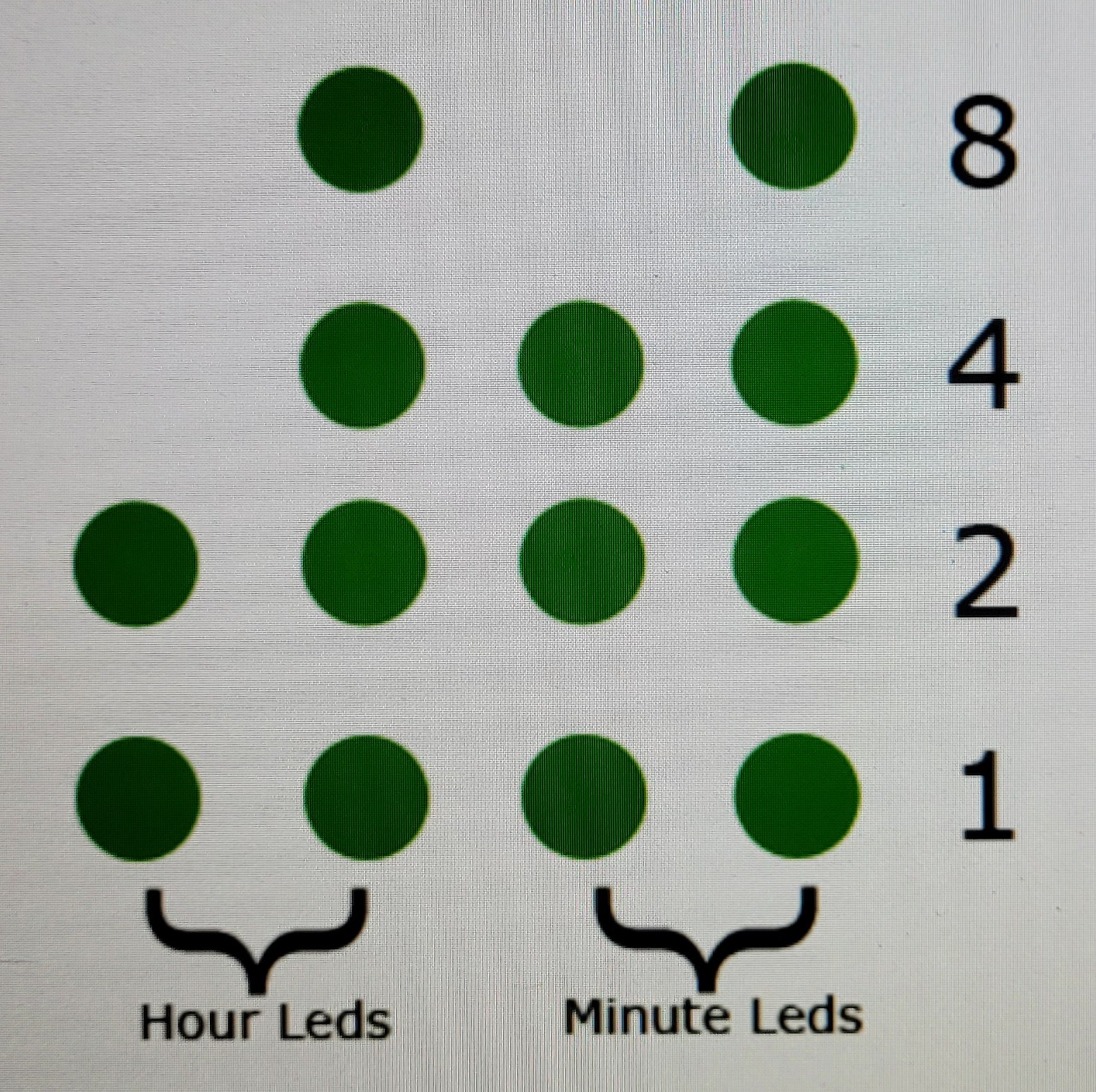
LEDs and the power of two they represent
So if you look at the values of the columns from left to right you get these values:
- Col. 1: no lights are lit, so the value is 0.
- Col. 2: the lights representing 1 and 8 are lit, so 1+8=9.
- Col. 3: only the light representing 1 is lit.
- Col. 4: the lights representing 1, 2 and 4 are lit, so 1+2+4=7
Therefore, the time is 9:17. Easy!
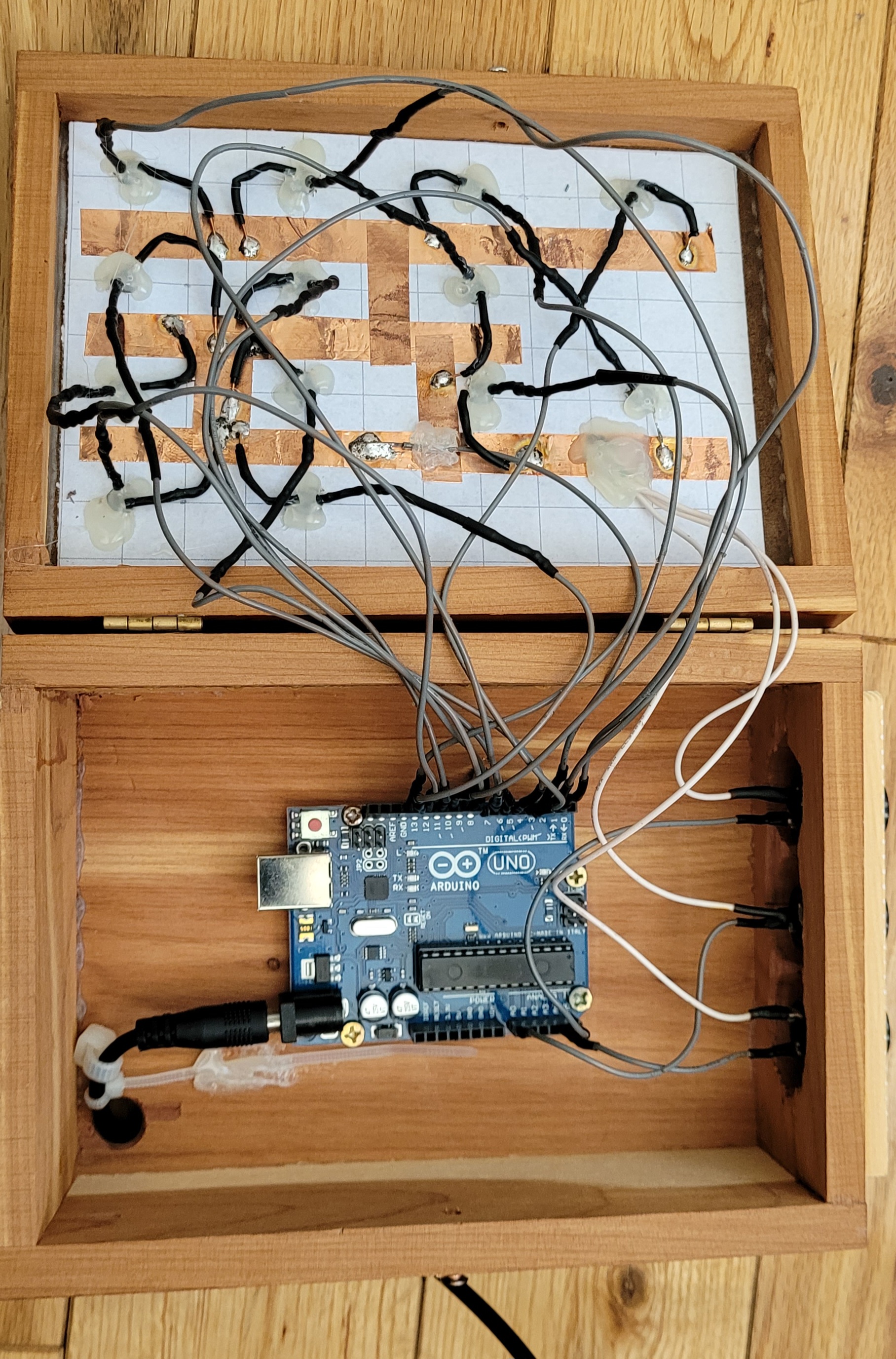
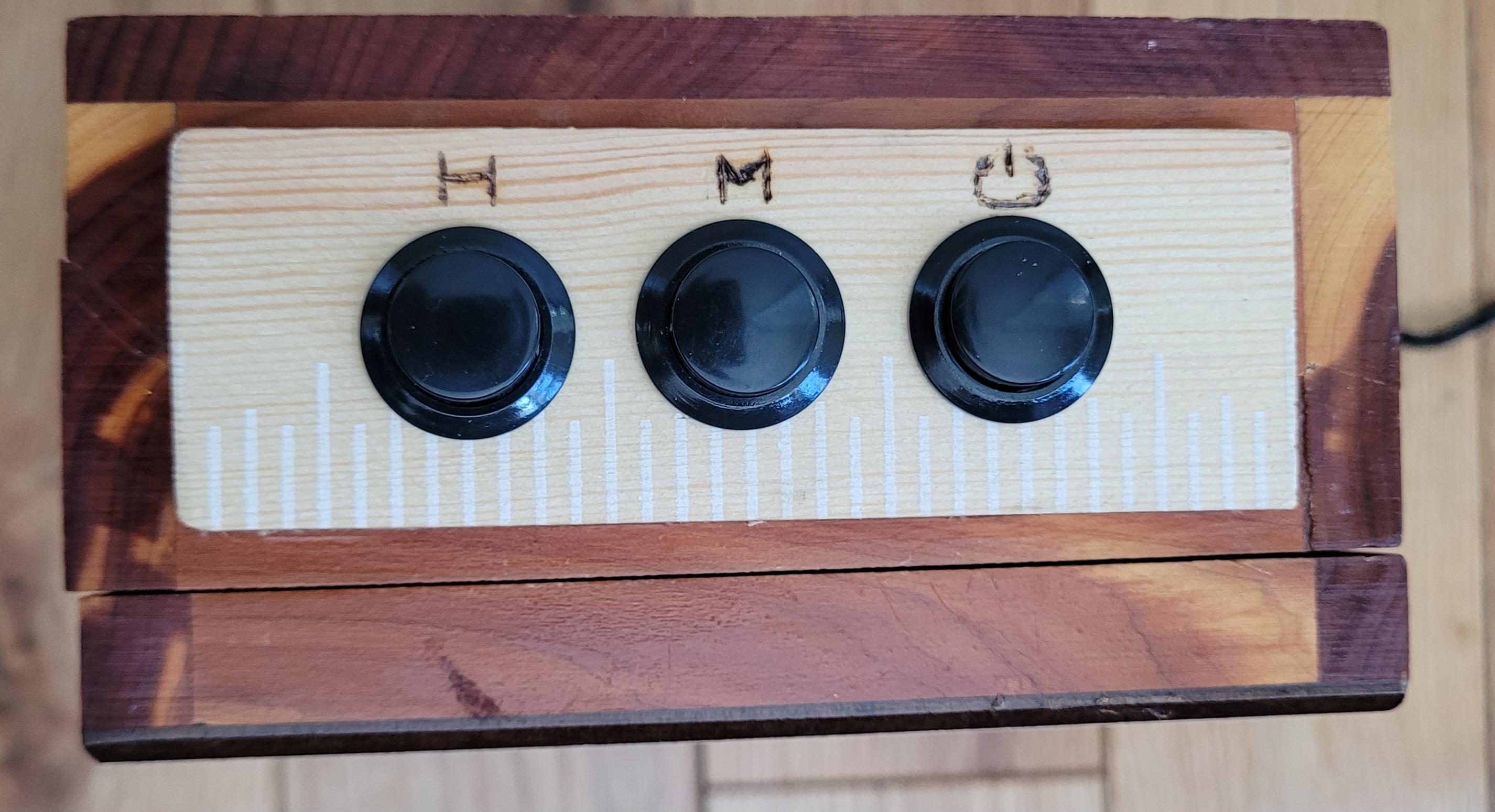
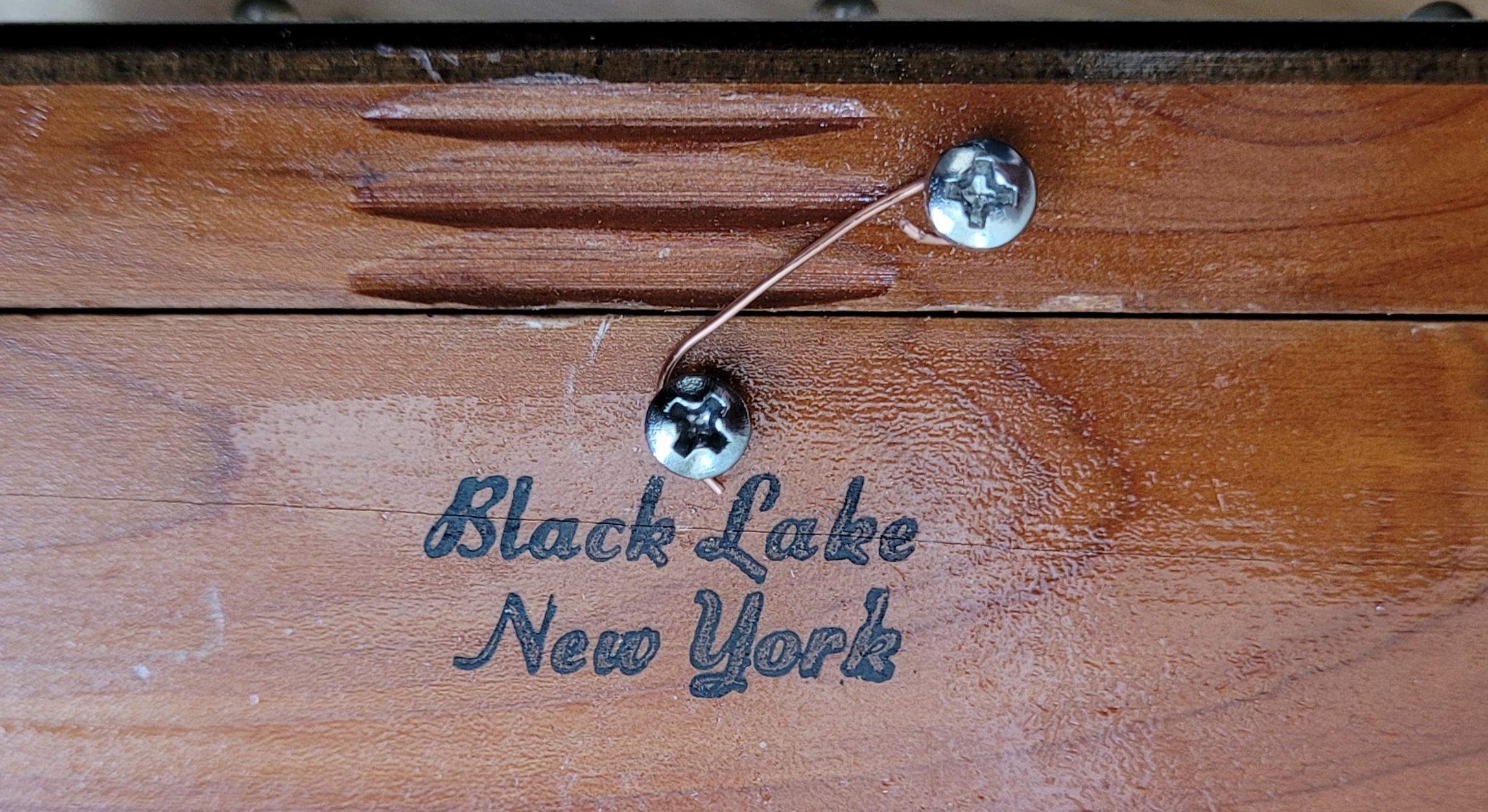
Ok, here are a few more pictures of the build Prototyping the wiring All done with the wiring. I used copper tape to keep the number of wires to a minimum Buttons for adjusting the hours and minutes. The last button turns the LEDs on or off The simplest of latches…a piece of wire wrapped around two screws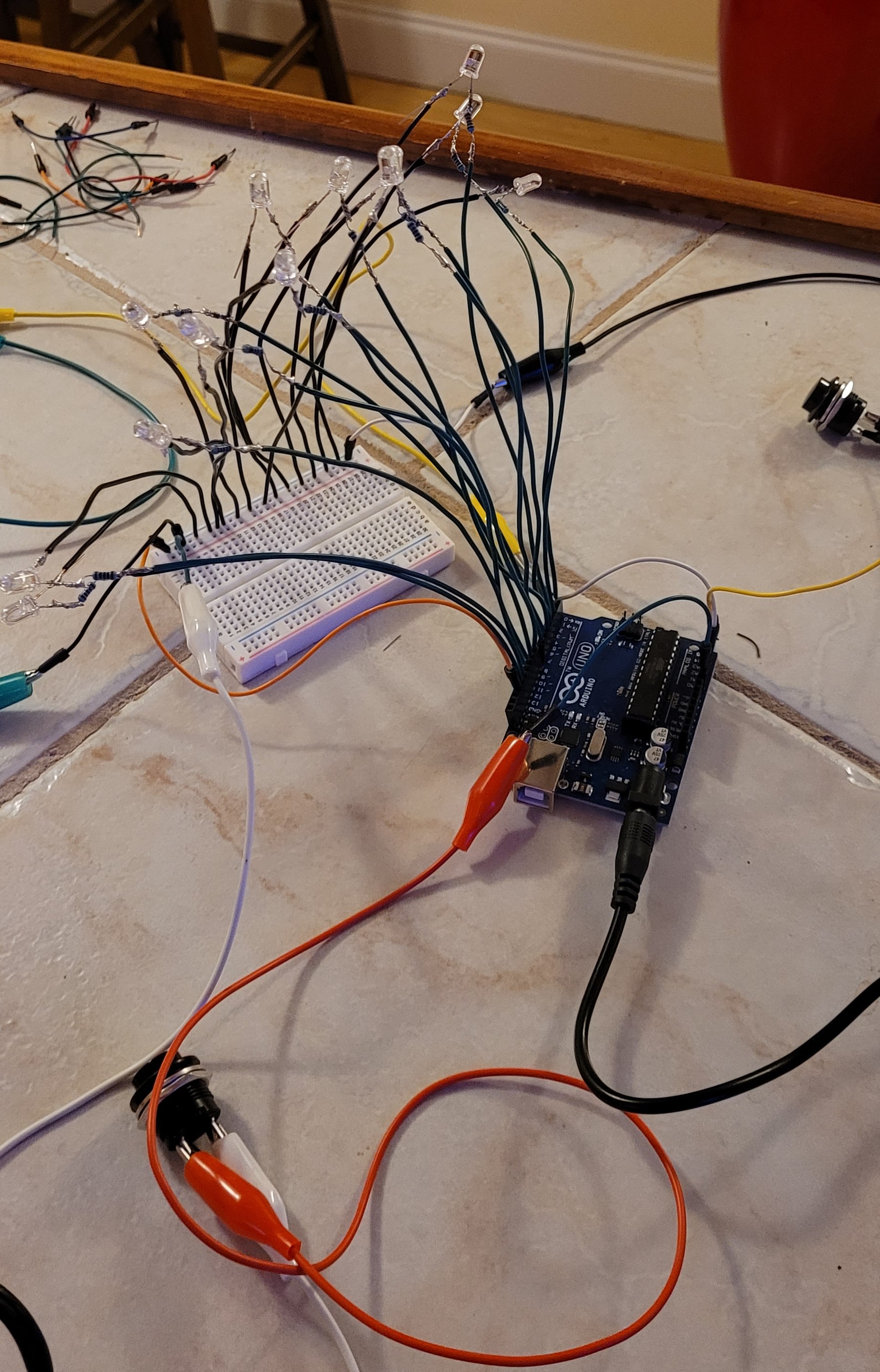
If you have worked with Arduinos before, you are probably thinking that this clock is not very accurate. And you would be right. I did not add a Real Time Clock because I didn’t have one and didn’t want to wait to get one shipped. I will probably add one at some point.