
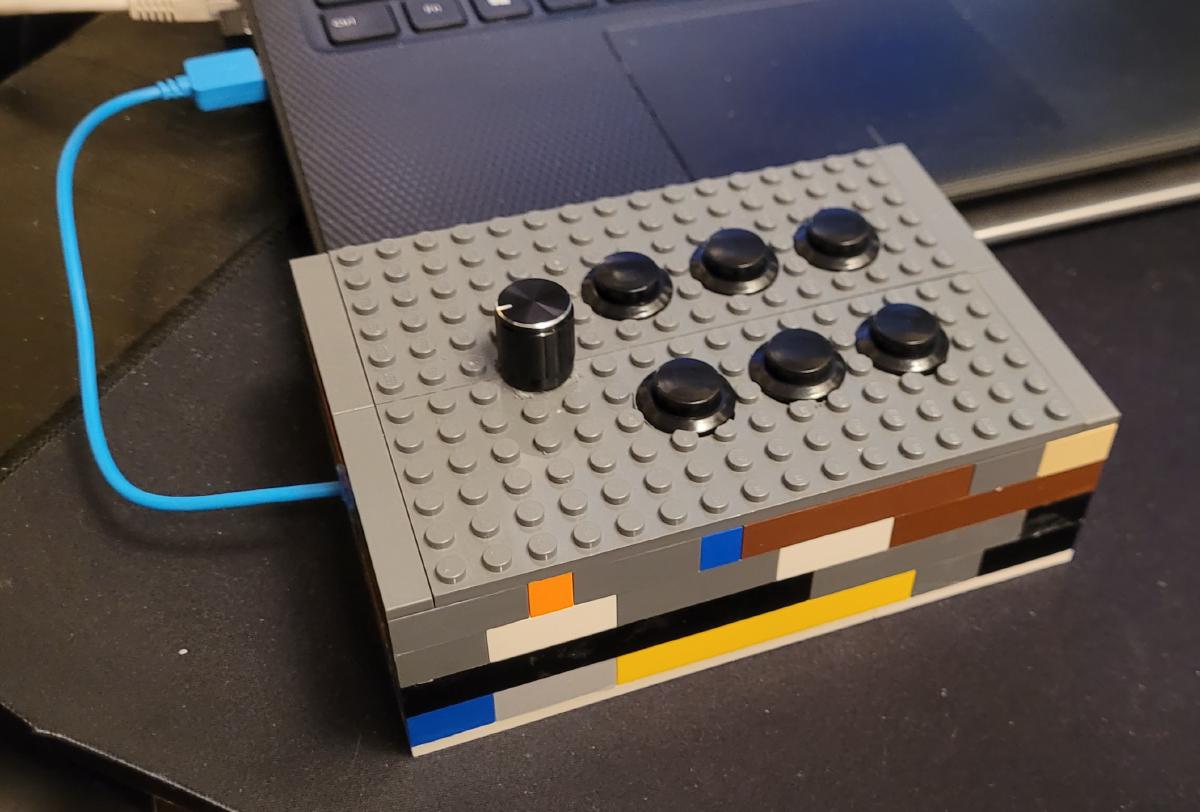
Macro Pads are great for running programs or performing other actions at the touch of a button. They sell some on Amazon, but from the reviews I didn’t get the impression that I could do a lot of customizing, particularly on Linux, which is where I wanted to use one. So I made one with a Teensy microcontroller, 6 buttons and a rotary encoder to control the volume. You can get a copy of the code in my GitHub repo.
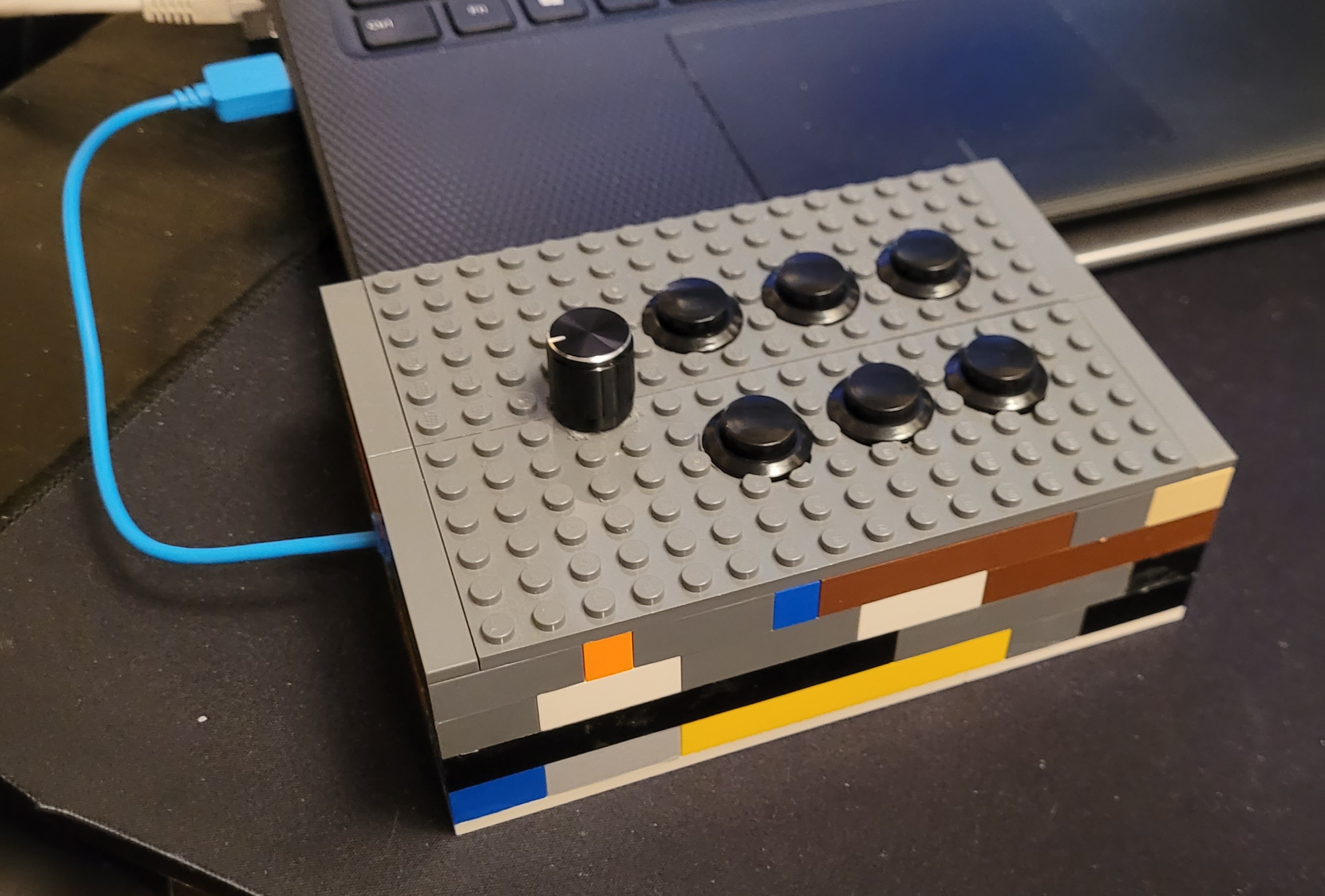
The finished product
The buttons are laid out as follows: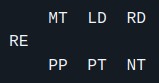
- RE - Rotary Encoder (Volume)
- MT - Mute
- LD - Left Desktop
- RD - Right Desktop
- PP - Play/Pause
- PT - Previous Track
- NT - Next Track
After adding all the buttons for controlling media, I had two buttons left over. I used those to toggle between virtual desktops.
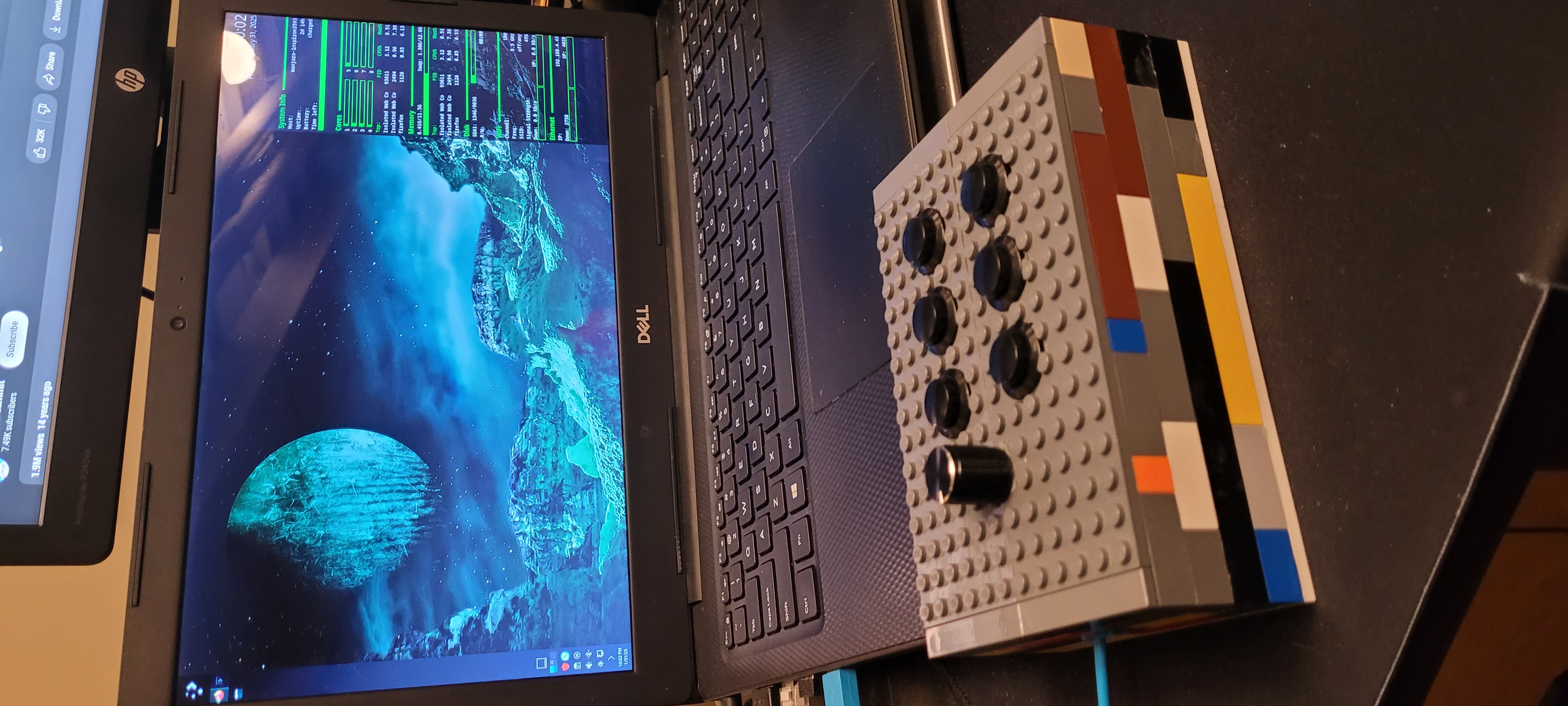
Easy access next to my laptop
Here’s a video showing it at work